Finding a Program
Every program in Flyga — airlines, credit card programs, hotel chains — has its own dedicated page. There are a few ways to get there.
From the Programs List
Section titled “From the Programs List”Navigate to Programs from the sidebar. You’ll see a searchable list of all loyalty programs Flyga tracks.
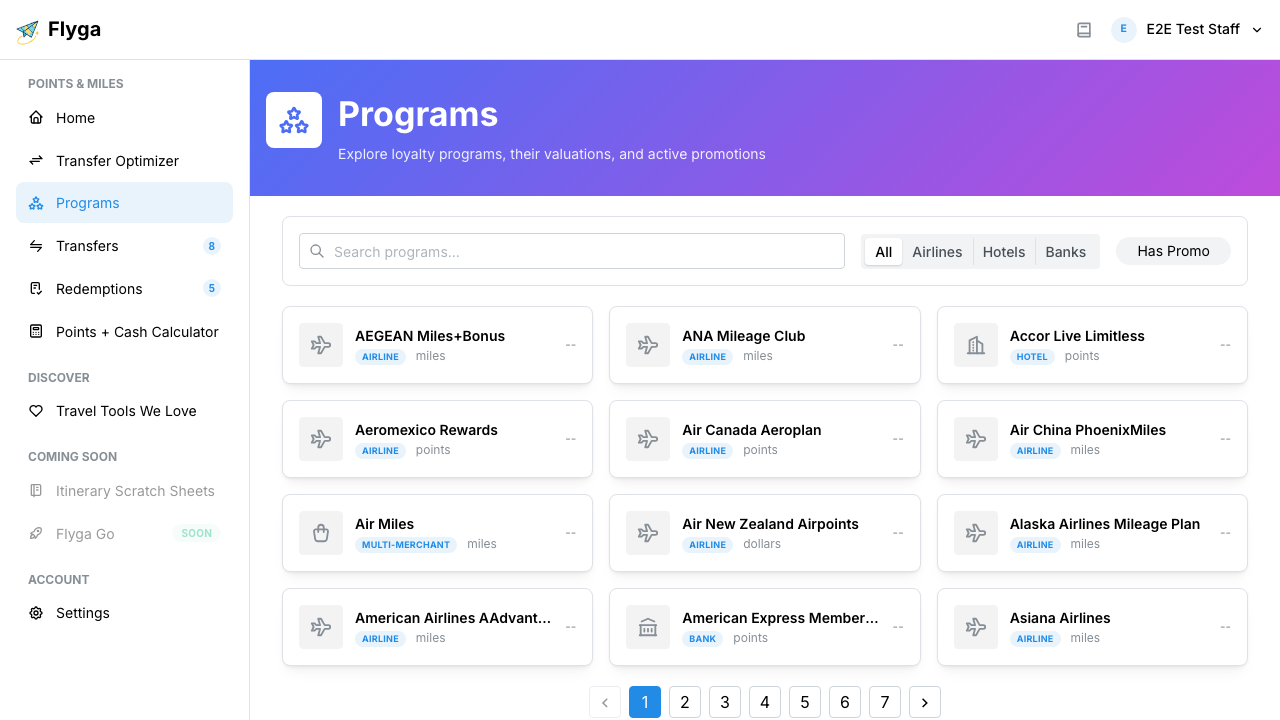
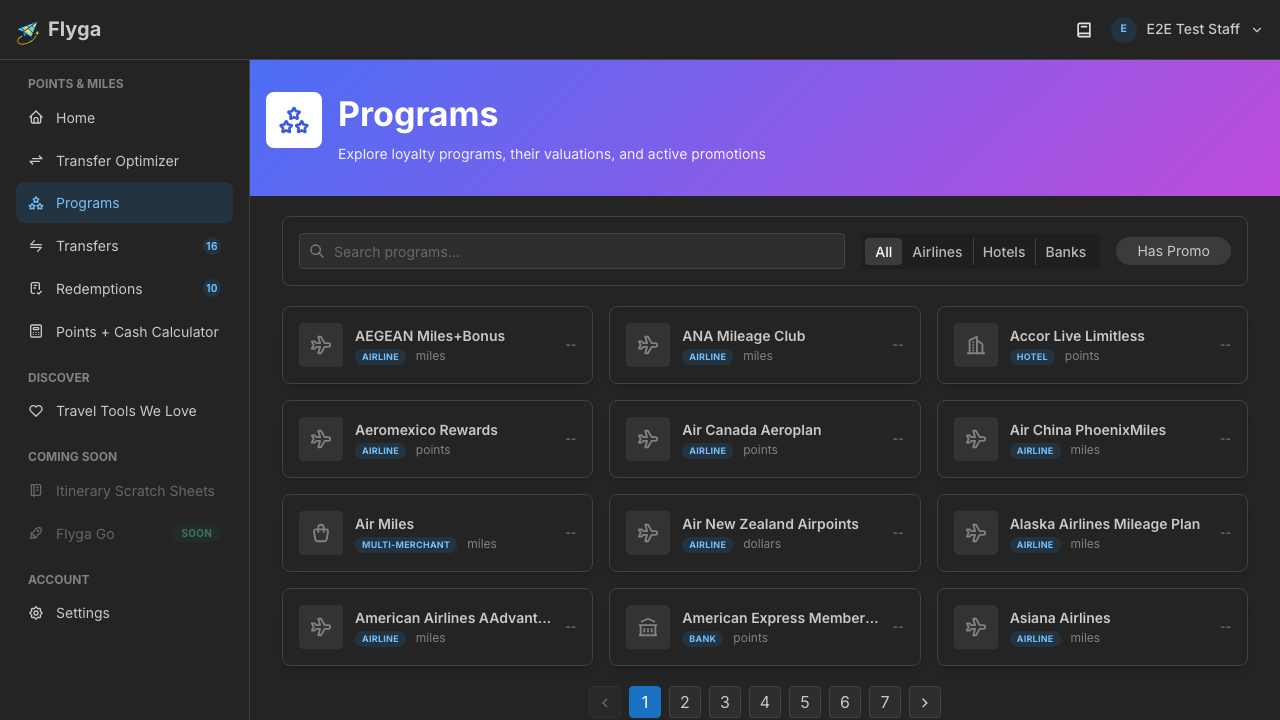
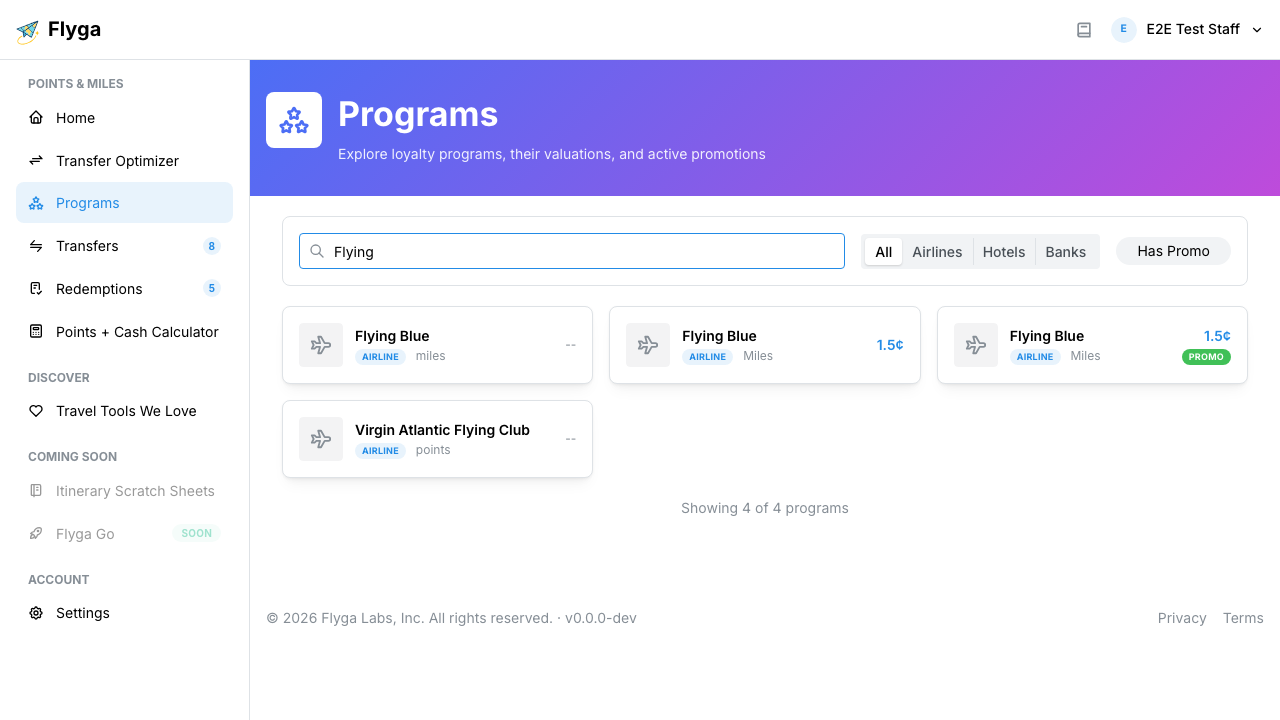
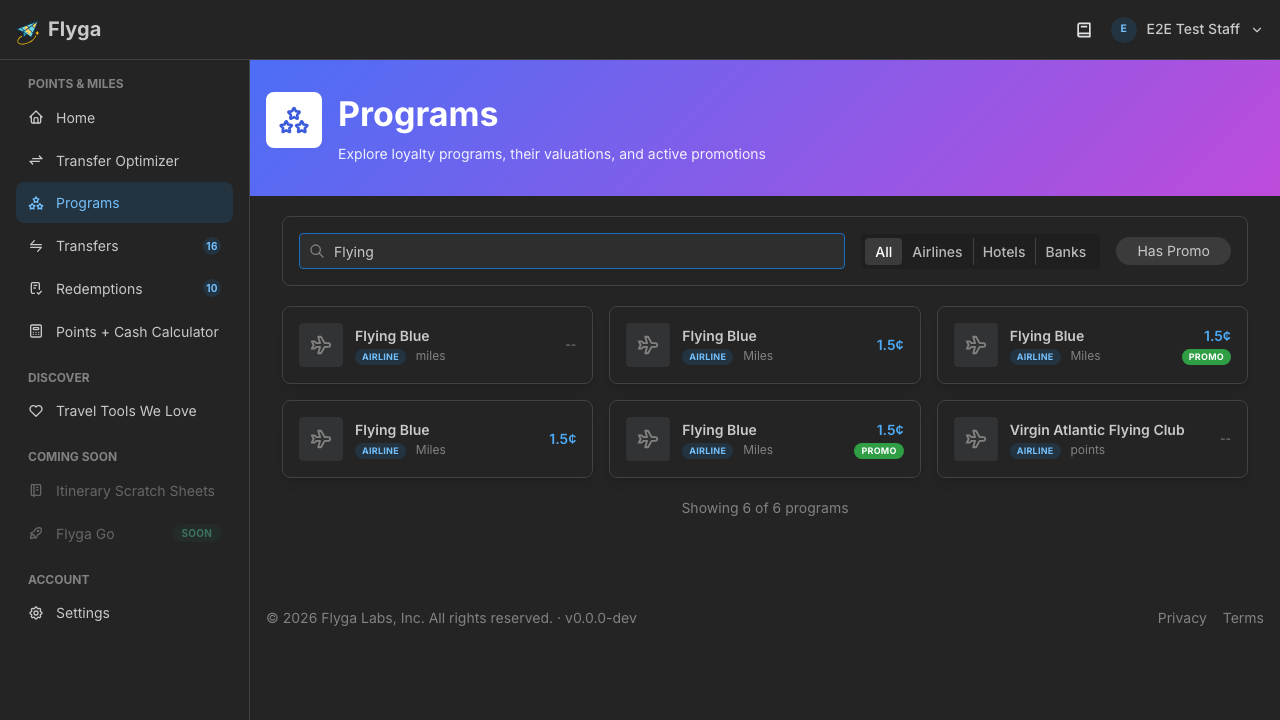
Type part of the name (e.g., “Flying” or “Chase”) to filter the list. Click on any program to open its detail page.
From Program Links Throughout the App
Section titled “From Program Links Throughout the App”Whenever you see a program name in Flyga — in your transfer history, the optimizer, a promotion card, or a redemption — it links directly to that program’s page. Click the name and you’ll jump straight there.
From the Transfer Optimizer
Section titled “From the Transfer Optimizer”When viewing transfer options in the Transfer Optimizer, each source and destination program links to its program page. This is handy for checking a program’s valuation trend before committing to a transfer.
What You’ll See
Section titled “What You’ll See”Every program page has a consistent layout:
- Header — Program name, logo, currency name, type badge, and current valuation
- Valuation chart — Historical cents-per-point trend
- Promotions — Active and upcoming transfer bonuses
- Redemption Insights & Your Transfers — Side-by-side view of your activity
- Cash or Points Calculator — Compare paying cash vs. redeeming
- Airlines — Airlines affiliated with this program
- Products & Tiers — Credit cards and membership tiers
Head to Reading the Program Page for a full walkthrough of each section.