Reading the Program Page
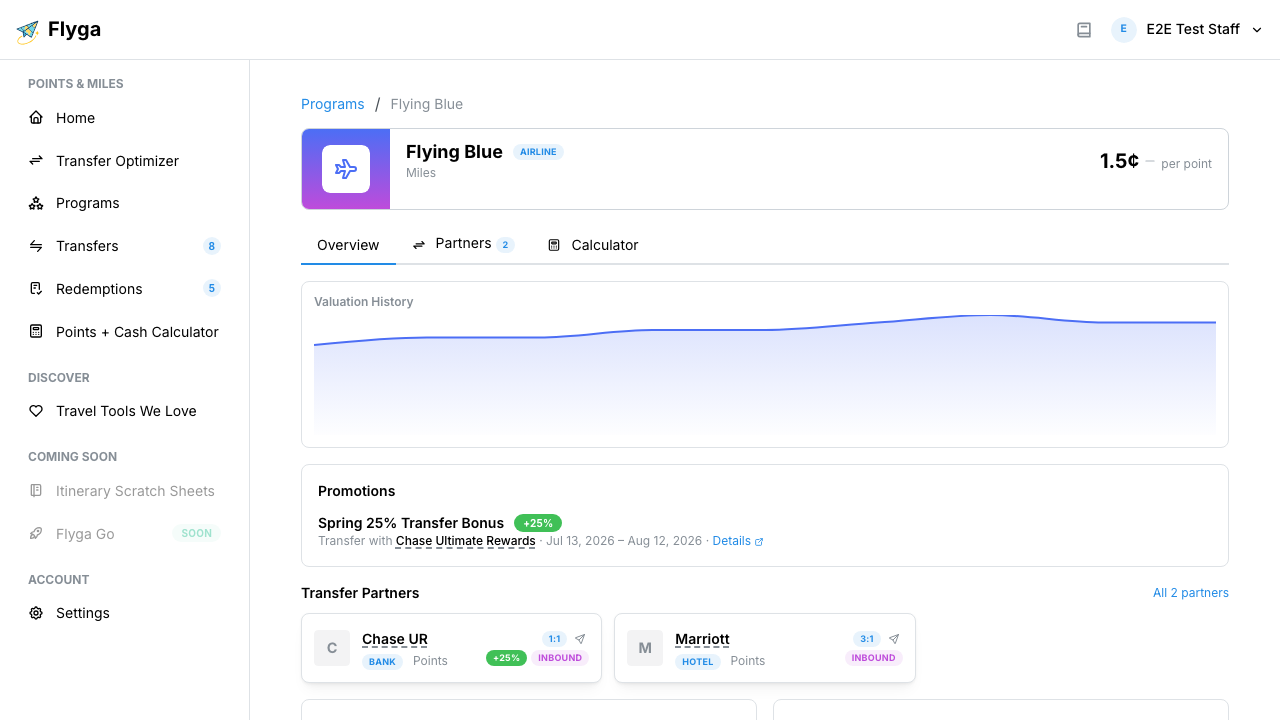
A program page brings together everything Flyga knows about a loyalty program in one place. Here’s what each section tells you and how to use it.
Program Header
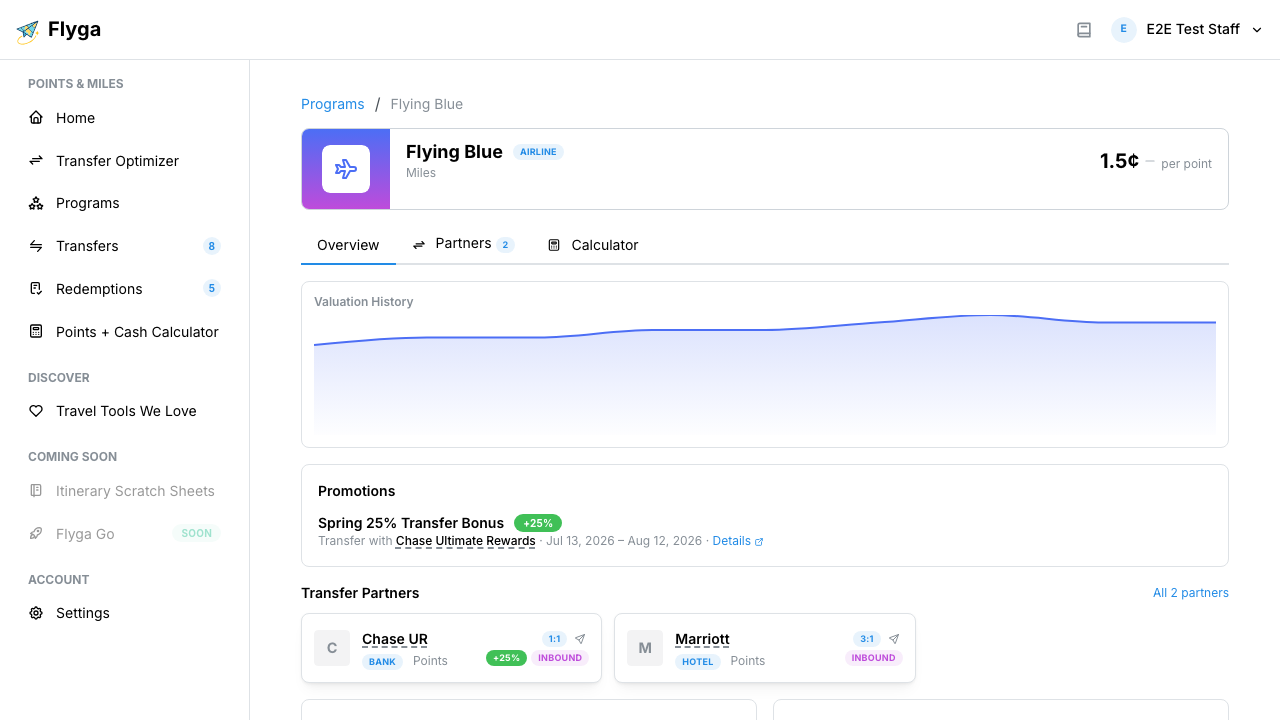
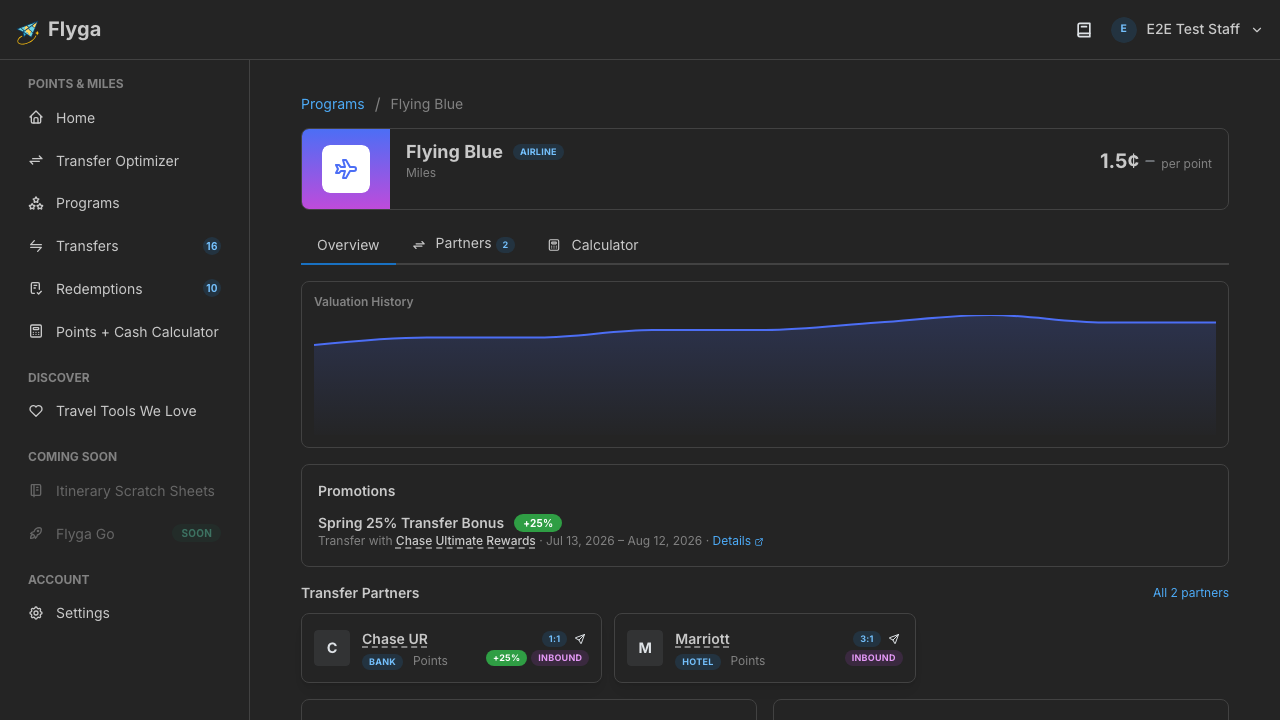
Section titled “Program Header”The header at the top shows the essentials at a glance:
- Logo and name — The program’s full name with its logo
- Type badge — Whether this is an airline, credit card, or hotel program
- Currency name — What the program calls its points (e.g., “Miles”, “ThankYou Points”)
- Website link — Opens the program’s website in a new tab
- Current valuation — The latest cents-per-point value, with a trend indicator showing whether the valuation is trending up, down, or flat compared to the previous data point
Valuation History Chart
Section titled “Valuation History Chart”Below the header, an area chart shows how the program’s cents-per-point valuation has changed over time. Hover over the chart to see the exact value at any point.
If Flyga doesn’t have enough data points for this program yet, you’ll see a placeholder message instead.
Promotions
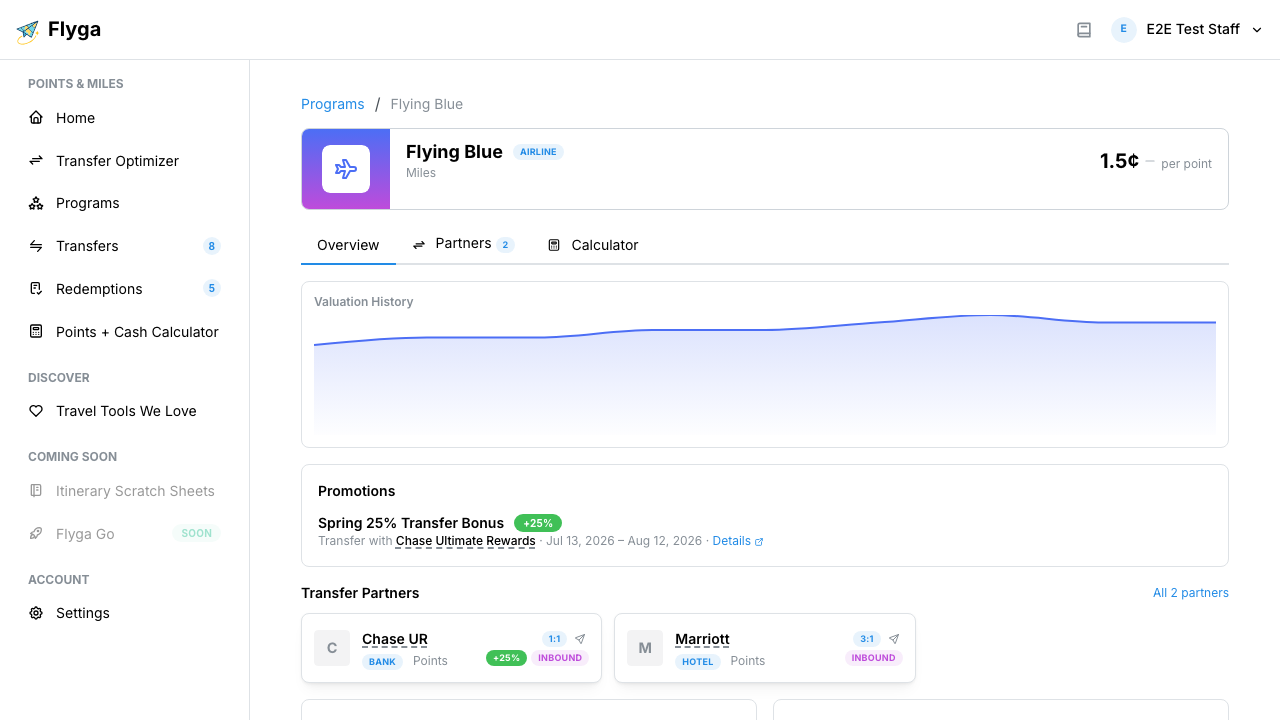
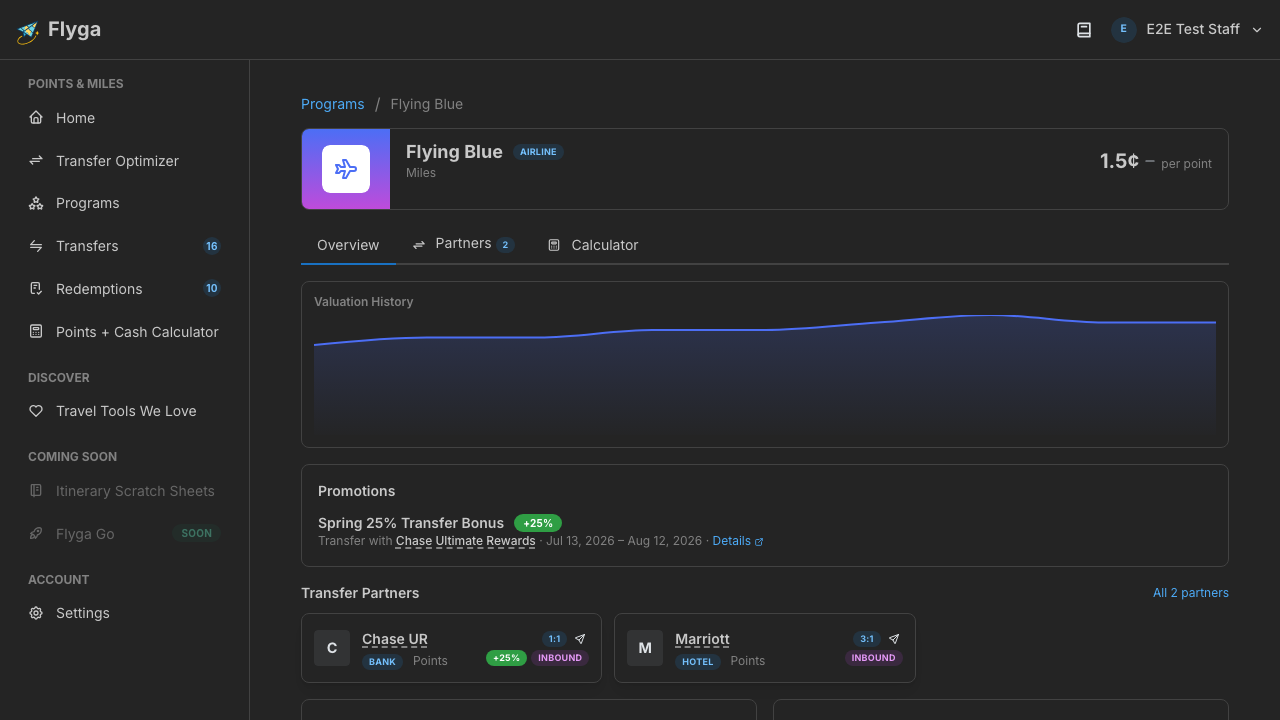
Section titled “Promotions”This section lists transfer bonus promotions that involve this program — either as the source or destination of the transfer.
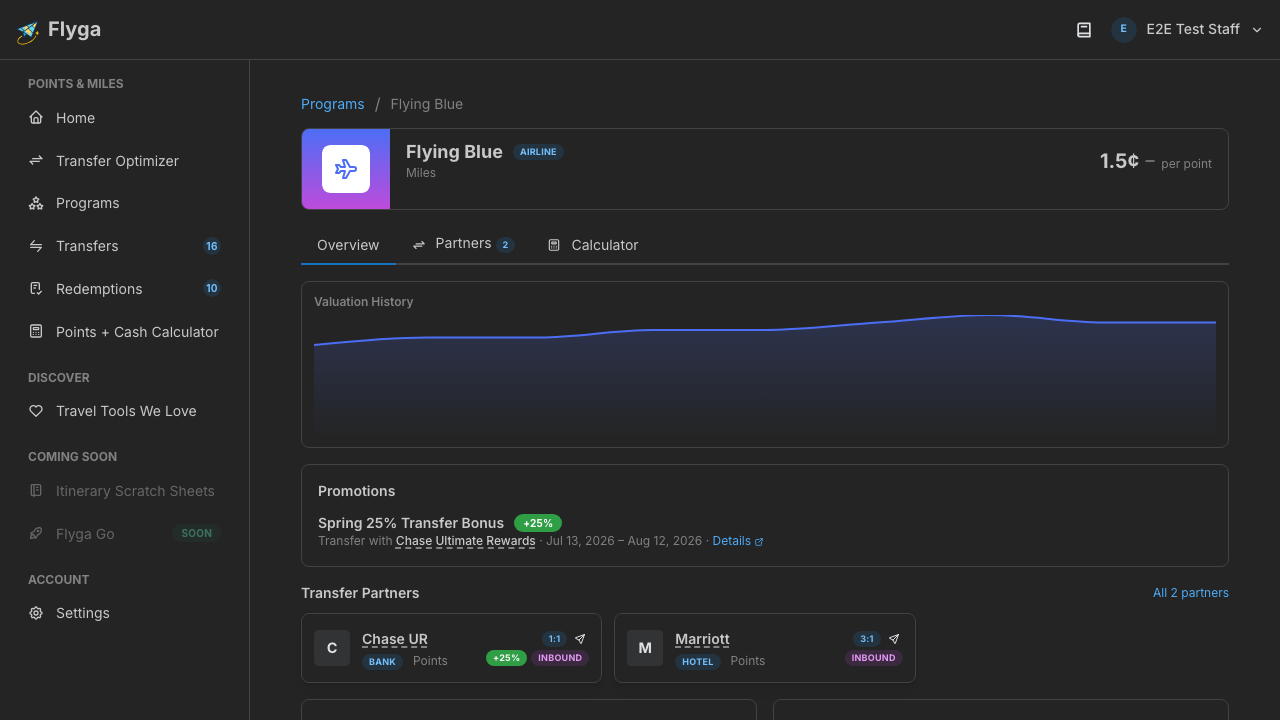
Active promotions show the bonus percentage, the partner program, the date range, and a link to the promotion details. Upcoming promotions appear with a blue “Upcoming” badge so you can plan ahead.
If there are no active or upcoming promotions, you’ll see a brief message saying so.
Redemption Insights & Your Transfers
Section titled “Redemption Insights & Your Transfers”These two panels appear side by side:
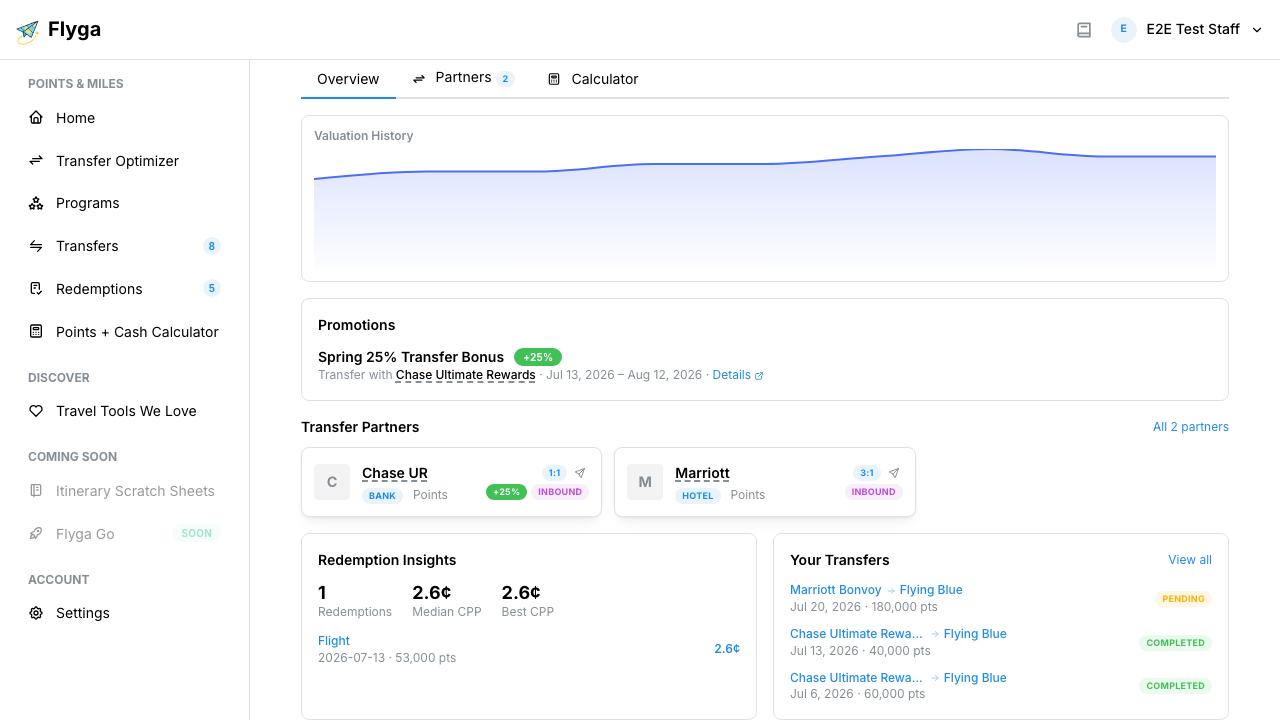
Redemption Insights shows aggregate stats about how points in this program have been redeemed — helping you understand typical value ranges.
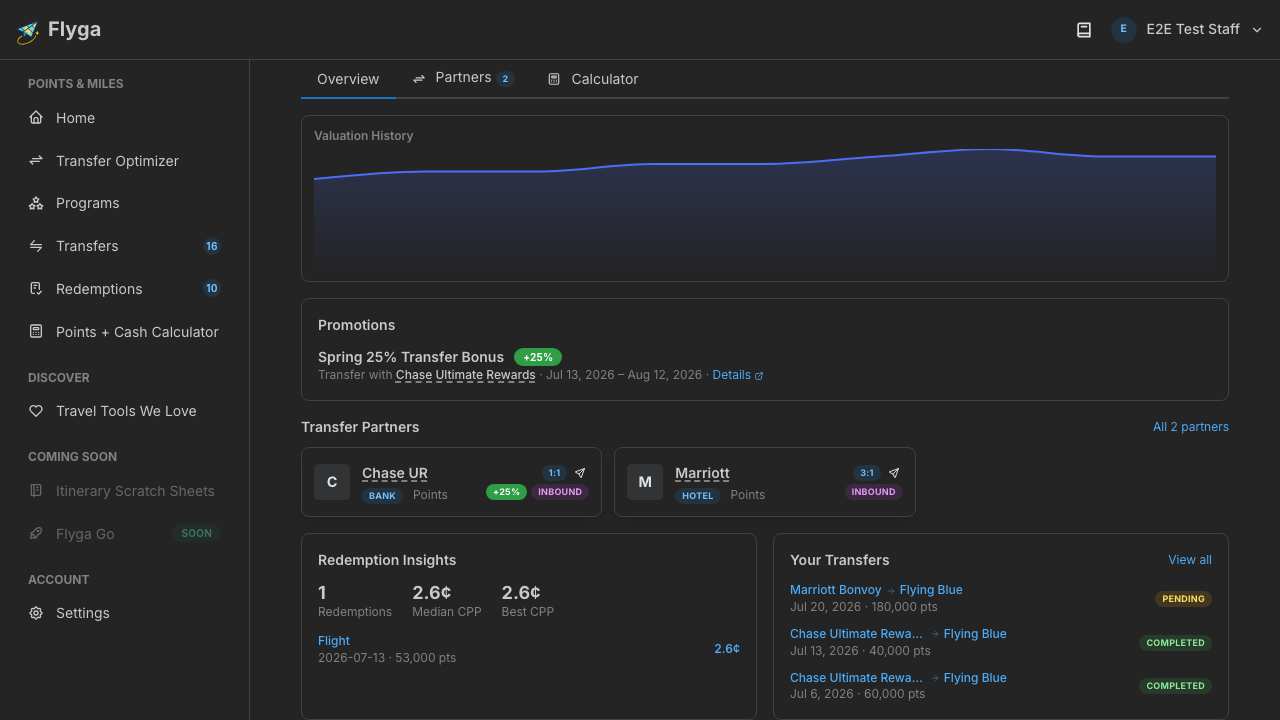
Your Transfers lists your most recent transfers involving this program (in either direction). Each row shows the source and destination programs, the date, point count, and status. Click any transfer to view its full details, or click View all to jump to your transfer history filtered to this program.
Cash or Points Calculator
Section titled “Cash or Points Calculator”When the program has a known valuation, you’ll see a built-in calculator at the bottom. This helps you answer the question: “Should I pay cash or use points for this booking?”
Enter the cash price and the award cost in points, and Flyga instantly shows which option is cheaper. For a full walkthrough, see Using the Cash or Points Calculator.
Airlines
Section titled “Airlines”For airline programs, this section lists the airlines affiliated with the program along with their IATA codes. This helps you identify which carriers you can book with using these points.
Products & Tiers
Section titled “Products & Tiers”If the program has associated credit cards or membership tiers, they appear here. Each product shows its name and type (e.g., “Credit Card”, “Membership Tier”).