Tracking points balances
Balances are the heart of Wallet. Keep them current and your totals, blended value, and per-program $ stay honest — which makes transfer and redemption decisions easier.
Add a program
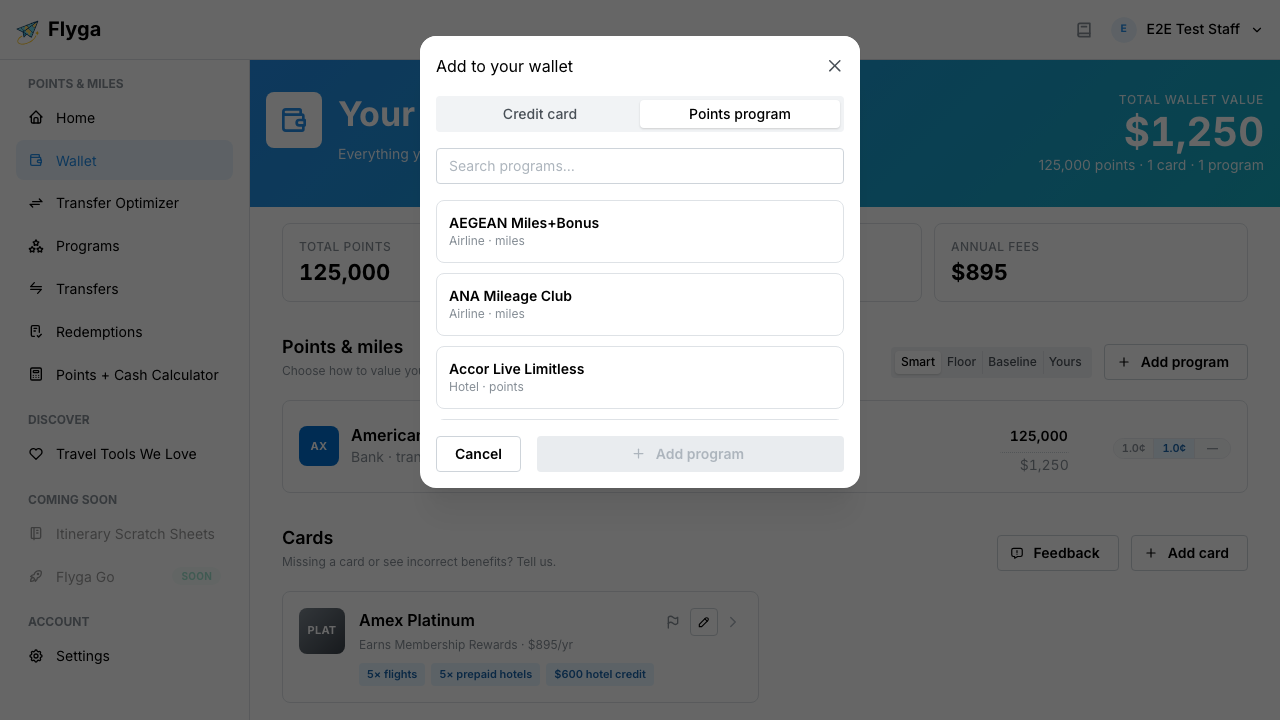
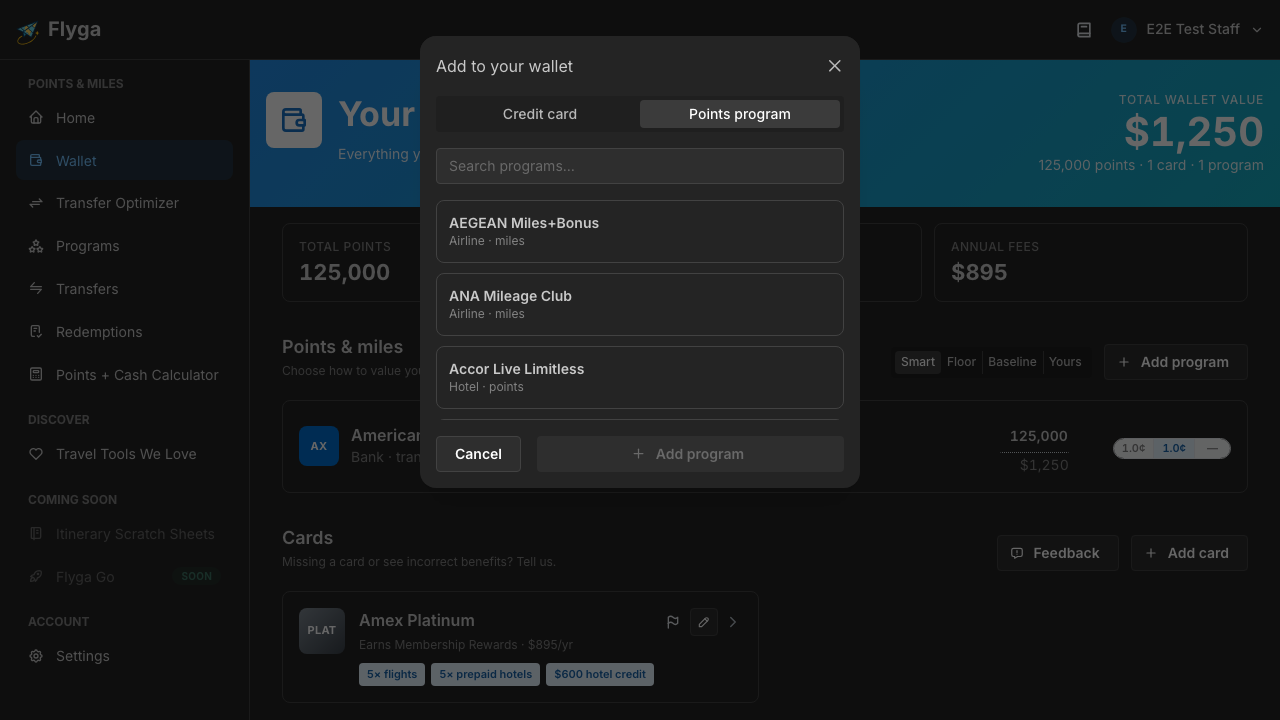
Section titled “Add a program”You don’t need a card on file to track a program. If you hold miles or points somewhere, add the program and set the balance.
- Open Wallet
- Click Add program
- Search for the loyalty program
- Enter your current balance and save
Update a balance
Section titled “Update a balance”Balances edit inline — like a spreadsheet cell.
- Click the points number on a program row
- Type the new balance
- Press Enter or click away — Flyga saves automatically
Need to undo? Use the undo control next to the field (or press Esc while you’re still editing).
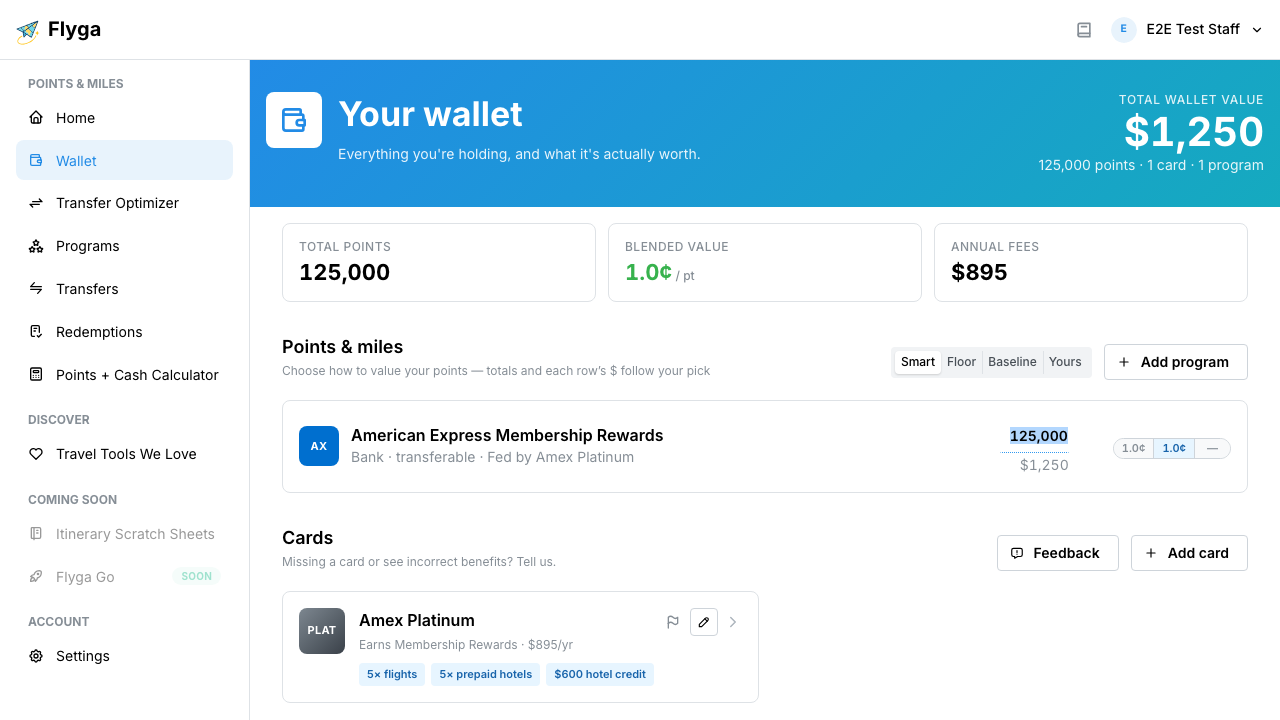
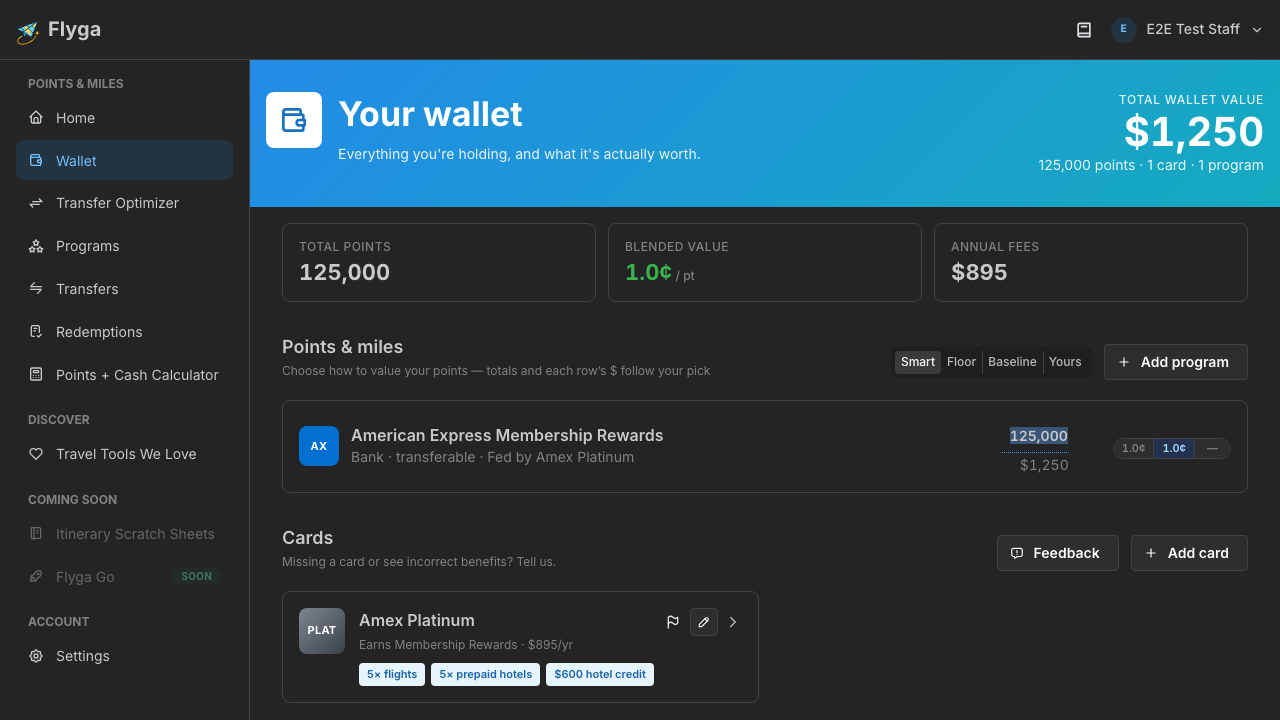
The $ under (or beside) the balance updates with your valuation mode, so you immediately see what the new total is worth.
Why this matters
Section titled “Why this matters”Up-to-date balances power the hero total and the stats strip. When you’re comparing a transfer or an award booking elsewhere in Flyga, you’re working from the same picture of what you actually hold.